An AI tutor inside every course
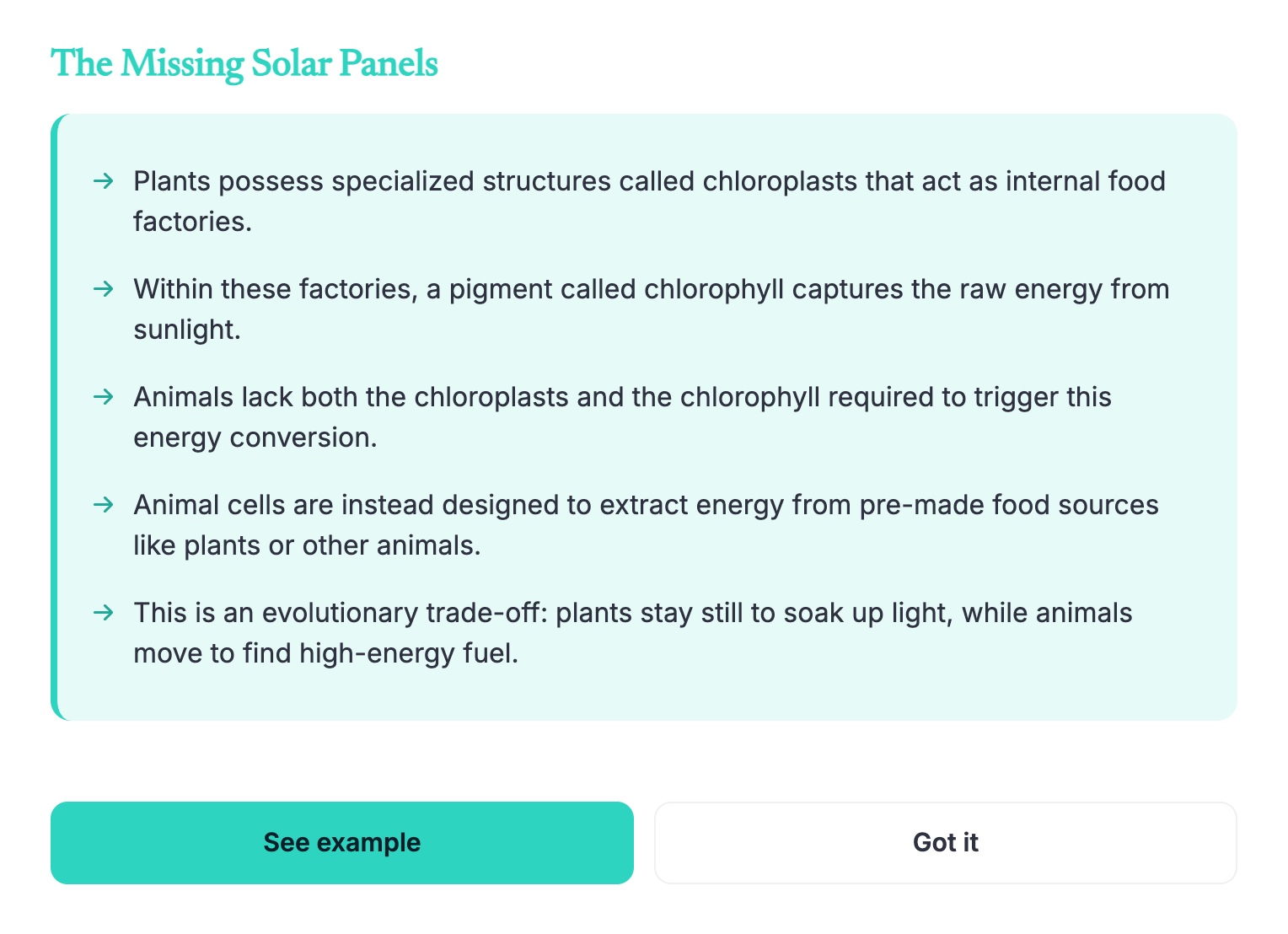
Learners can stop any lesson and ask about what they're looking at, by typing or out loud. The answer comes back as a short narrated slide, right after the one they asked from, and they can ask to see an interactive example too. Every course has it, on every plan, Free included.
Updated 2026-11-01.
How a question gets answered
- The learner asks from the slide they're on, typed or spoken.
- Claro answers with that slide in mind. It builds on how the lesson just explained the idea and goes a step further instead of repeating it. It searches the web only when the question needs facts it isn't sure of.
- The answer appears as a narrated slide with the key points, placed right after the slide the question came from.
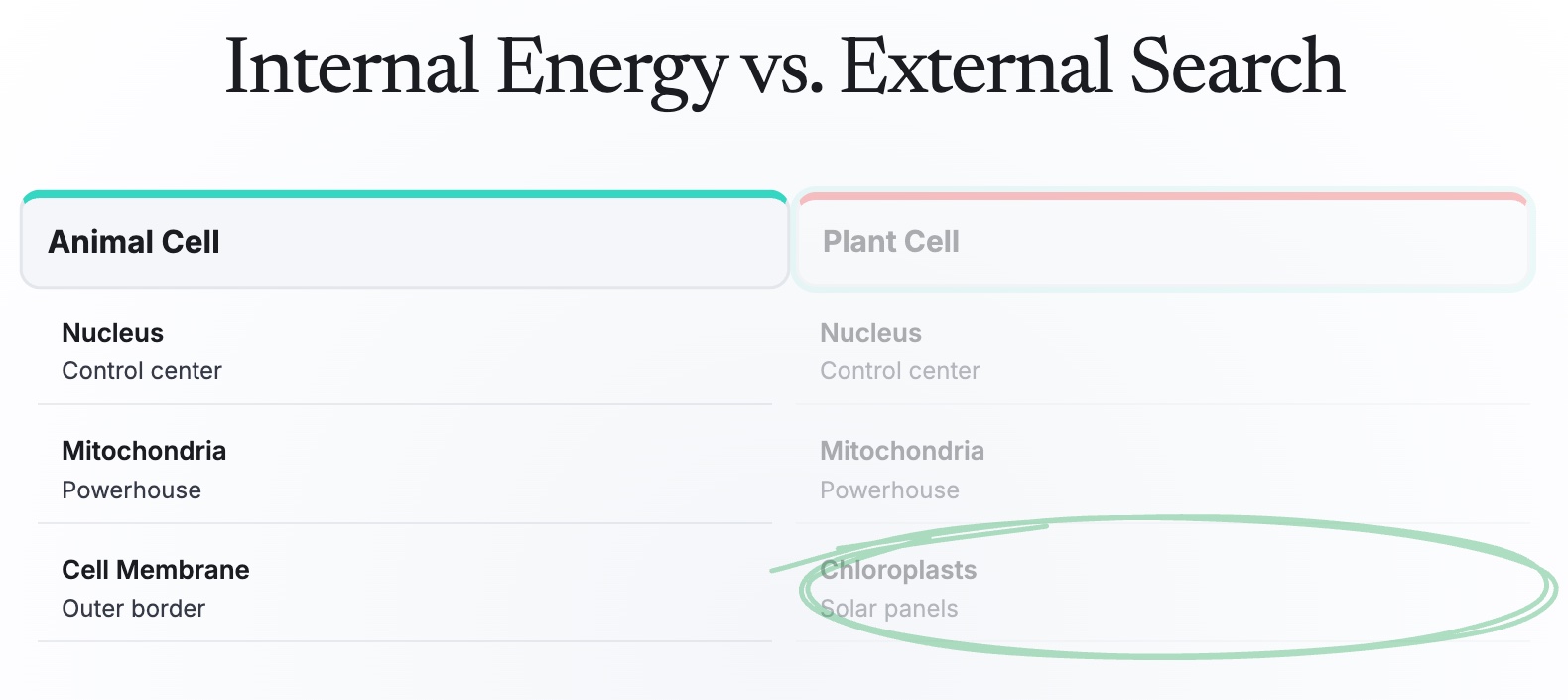
- If the learner wants more, they can ask to see an example: an interactive, animated slide that shows the idea.
Quick questions about a word or a line
A learner can also highlight text on a slide and ask about it out loud, for a short spoken answer without leaving the slide.
Where it works
- In Claro's player, on public courses and courses shared by link
- Inside your LMS, when you export the course as a SCORM or xAPI package
Questions
Is the AI tutor free?
Yes. It's on every course, on every plan, for any number of learners.
Can learners ask out loud?
Yes. They can type a question or speak it.
Are the answers added to the course?
No. Each answer is made for that learner in the moment and isn't saved into the course.
Does it work inside my LMS?
Yes, in courses exported as SCORM or xAPI.